Work across apps
Navigate interfaces and work with the files you choose.
Turn a request into work across your apps, files and creative tools. Choose your model. Stay in control.
For Windows, macOS and Linux. Installation notes
Navigate interfaces and work with the files you choose.
Write code, run scripts and create in Blender or Fusion.
Follow the work, manage permissions and stop a task.
The Eydra browser companion lets your desktop agent read pages, work across tabs and keep task tabs together in Chrome, Edge and Brave.
Connect one tab or the whole browser profile. Choose what Eydra can access, and disconnect whenever you want.
Requires Eydra desktop 0.6.11 or later for Windows, macOS or Linux. Install this preview unpacked while Chrome Web Store distribution goes through Google’s review.
How browser data is handled
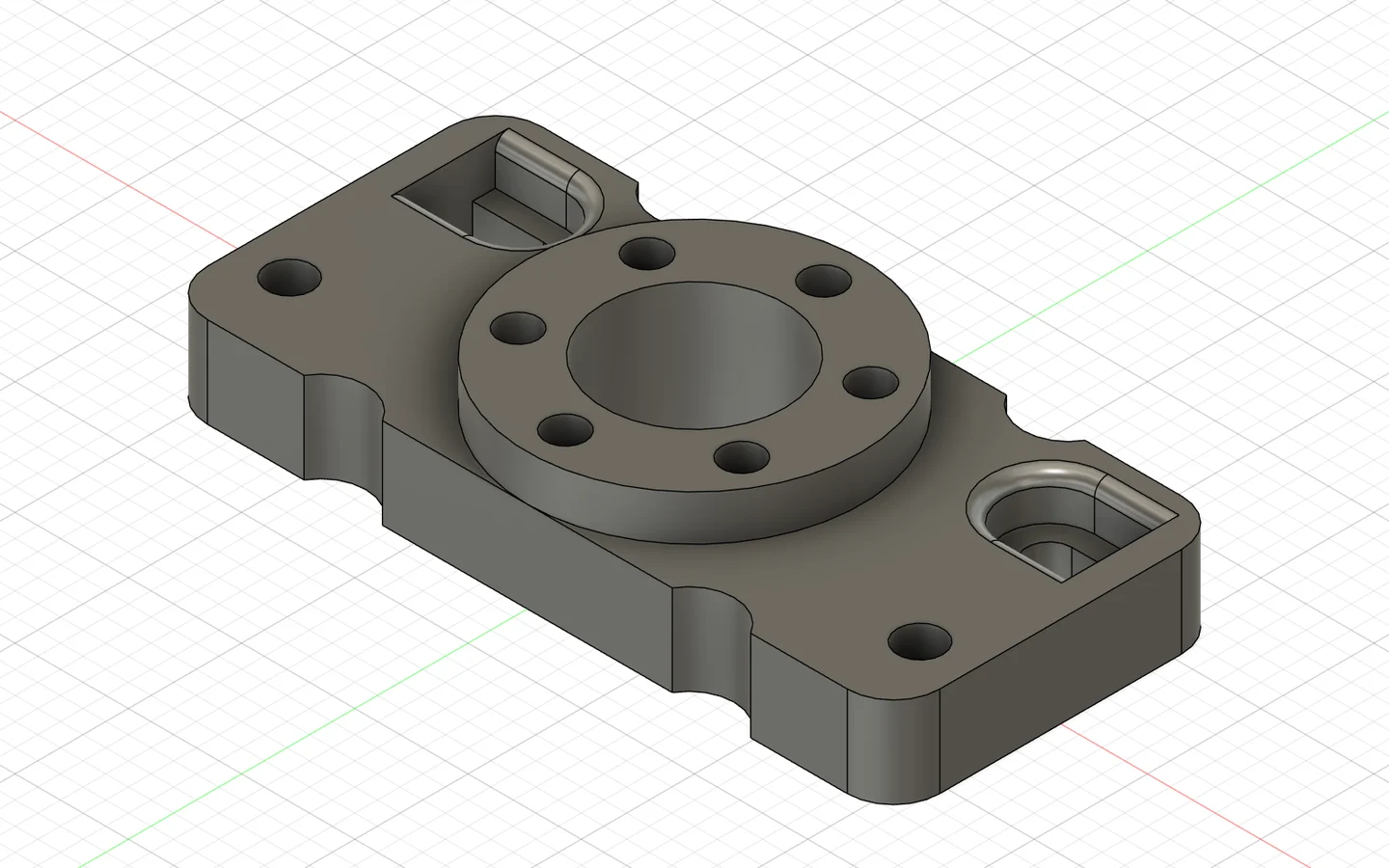
Actual outputs from connected tools.
Results depend on your model, reference and connected tools.
We recommend OpenRouter for access to compatible GPT, Claude, Gemini and DeepSeek models. Local models work too.
 Choose your model
Jev helps Eydra choose an approach, review progress and catch stalled work. Your selected model handles creation.
How Eydra uses JevDownload Eydra 0.6.14 Release for your desktop.
Double-click the installer, or run this in PowerShell from its download folder.
.\Eydra_0.6.14_x64-setup.exeUse the native ARM64 installer on a Windows ARM laptop. Open it, or run this command from its folder.
.\Eydra_0.6.14_arm64-setup.exe macOSApple silicon + Intel · macOS 13+ · DMG
Move Eydra to Applications first. If your verified download is blocked, this removes its quarantine attribute. Then reopen Eydra.
xattr -dr com.apple.quarantine /Applications/Eydra.app Linuxx64 · AppImage · X11 desktop actions
Run from the folder containing your downloaded AppImage.
chmod +x Eydra_0.6.14_amd64.AppImage
./Eydra_0.6.14_amd64.AppImage
Download Eydra browser companion (ZIP) for Chrome, Edge and Brave. Install Eydra first, then follow the browser connection guide.
Early release. Check the release notes for signing and installation requirements.
Installation notes Release notes & checksums